A CRM for small business: when you need one and how to choose
Customer details live in three spreadsheets, an inbox and somebody’s head. This guide shows the signs you have outgrown that, which features matter, and how to decide between an off-the-shelf CRM and one built for you.
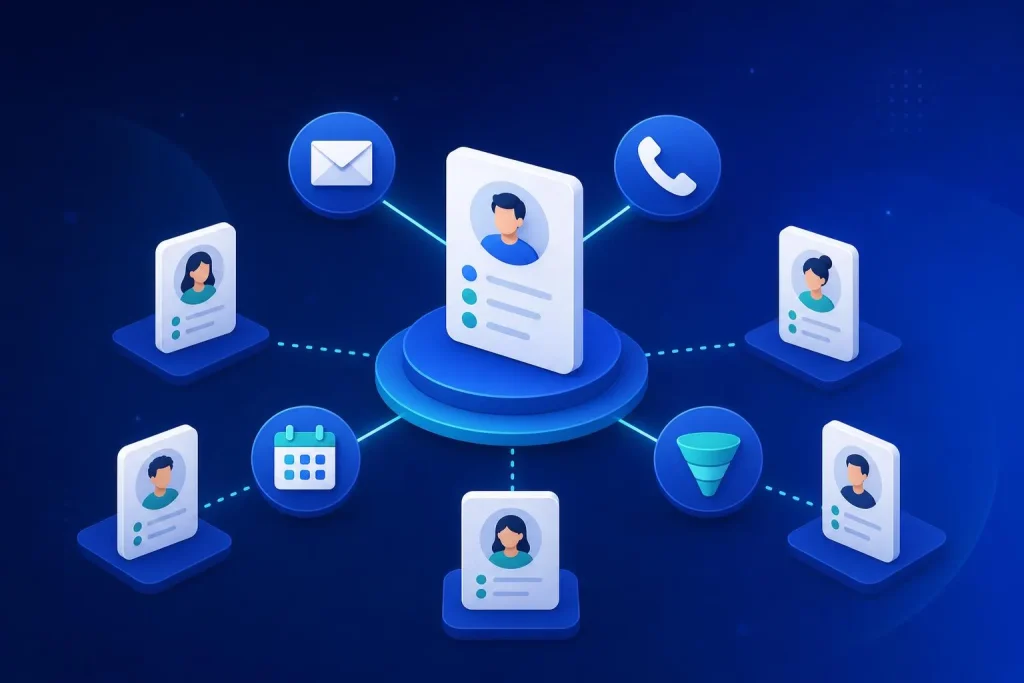
Signs a spreadsheet has stopped working
Spreadsheets are a perfectly good start. Plenty of healthy businesses run on one for years. The trouble begins when the sheet becomes the single thing everyone is afraid to break.
- Two people edit the same file and one overwrites the other. Or you have “Customers_final_v3_NEW” sitting in a shared folder.
- Follow-ups depend on someone remembering. A quote goes out, nobody chases it, and the enquiry goes cold.
- You can’t see the history. When a customer rings, nobody can tell what was said last time, or by whom.
- Holiday cover is a problem. If one person is off, nobody knows where their deals stand.
- You re-type the same details. A customer’s address goes into the sheet, then the invoice, then the delivery note.
- You can’t answer basic questions. How many leads came in this month? Which ones turned into work? Where do they come from?
Hit two or three of those and you are paying for it in lost time and lost sales, even if you never see the invoice for it.
What a CRM actually does
CRM stands for customer relationship management. In practice it is one place where every contact, conversation, quote and task is recorded, so anyone in the business can pick it up.
It is not magic, and it will not fix a sales process that doesn’t exist. What it does is stop information leaking out of the gaps between people.
The features that matter, and the ones that don’t
Contact records
Names, companies, phone, email, notes and a full history in one screen. This is the core. If this is weak, nothing else matters.
Tasks and reminders
Every enquiry gets a next step and a date. This single feature fixes most missed follow-ups.
A simple pipeline
New, quoted, won, lost. You see at a glance where the work is and where it stalls.
Connections
Email, your website forms, your accounting package. Without these you just move the double entry into a new place.
Features you can usually ignore at first: advanced forecasting, marketing automation sequences, AI scoring, social listening. They look good in a demo, and most small teams never switch them on.
Off-the-shelf or custom: how to decide
An off-the-shelf CRM is cheaper to start and quicker to switch on. A custom CRM costs more upfront but fits exactly, and you own it. Neither is better in the abstract.
| Off-the-shelf | Custom-built | |
|---|---|---|
| Start-up | Fast, often the same week | Weeks, after a short discovery |
| Fit to your process | You adapt to it, within limits | Built around how you work |
| Pricing | Usually per user, per month | One fixed build price |
| Ownership | You rent it, rules can change | You own it |
| Best for | Standard sales processes, small teams | Unusual workflows, growing teams, lots of integrations |
If you want the full side-by-side, we cover it on our custom CRM vs off-the-shelf page.
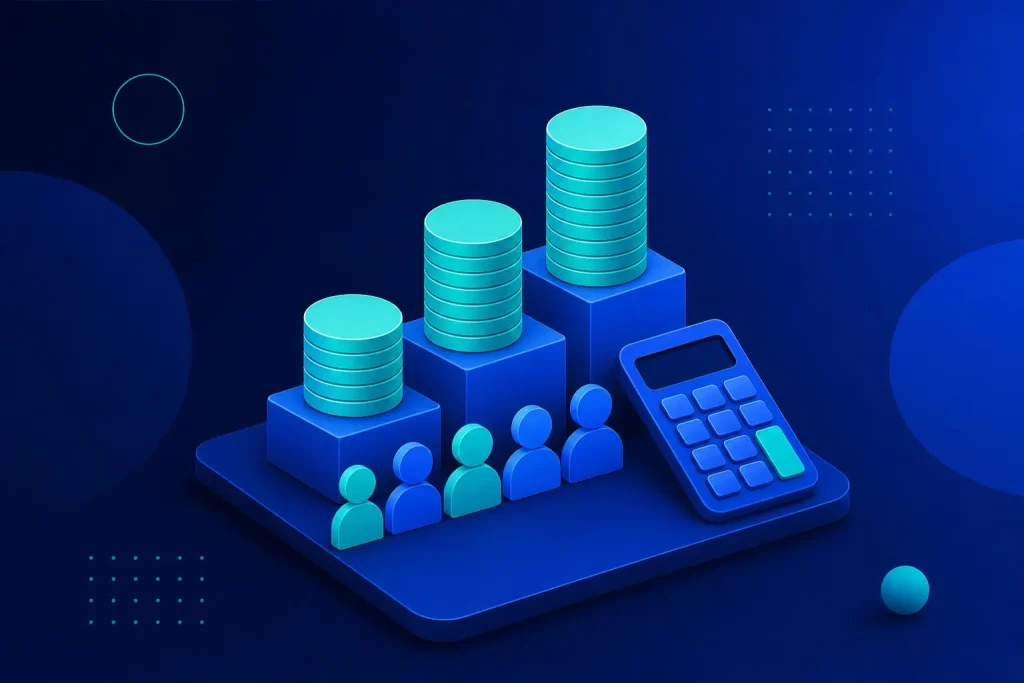
The three-year cost, worked through
Most people compare the first month’s price. The more useful number is the cost over three years, because per-user fees run for as long as you have users.
Here is an illustration with made-up round numbers, so you can try your own. Say a CRM charges £15 per user per month. With 10 users, that is £150 a month, £1,800 a year and £5,400 over three years. With 20 users it is £10,800.
Compare that with a fixed custom build in the £3.5k to £9.5k range with no per-seat fees. At 10 users the numbers can be close. As the team grows, the fixed build pulls ahead, because adding a person costs nothing.
The honest caveat: at three or four users on a basic plan, the off-the-shelf tool almost always wins on cost. Do the sum with real vendor prices, not mine.
Not sure which side of the line you are on?
We will look at your process and team size and tell you plainly whether off-the-shelf will do.
See our custom CRM service Book a free callQuestions to ask before you sign anything
- Can I export all my data, in a usable format, whenever I like? If the answer is vague, treat it as a no.
- What happens to the price when I add users? Ask for the price at double your team size.
- Which of my other systems does it connect to, and is that included? Some connections sit behind a higher plan.
- Who on my team will own it? A CRM nobody owns turns into a second graveyard of out-of-date records.
- How long to get my existing data in? Moving the data is often the real work.
What a custom CRM looks like in practice
A custom CRM is not a rebuild of Salesforce. It is the smallest system that does your job properly.
Our OrderHub platform is a good example of how far that can go. It pulls orders from web, eBay, Etsy and Amazon, plus purchasing, stock takes and Xero sync, for a group of four limited companies, in one dashboard with no double entry. It started as a need, not a product shelf.
The Bluestone app is closer to a client CRM. It replaced spreadsheets, phone calls and WhatsApp groups with ordering, chat and field records, and a signed-off prototype took five working days. If your business works around customers’ records rather than a standard sales funnel, that is the sort of thing a custom build handles better than a generic tool.
Getting people to actually use it
The most common reason a CRM fails is not the software. It is that people stop updating it. Within a few weeks the records are out of date, and then nobody trusts it.
Three habits help. Keep the number of required fields small, because every extra box is a reason to skip the entry. Make one person responsible for how it is used. And use it in your weekly meeting: if the pipeline on screen is the thing you discuss, people keep it current.
Import your real customers on day one, not a tidy sample. A CRM that starts empty never gets filled in.
A sensible way to start
Don’t buy anything this week. Spend an hour mapping your process, count your users, and list the two or three systems the CRM must talk to.
Then try an off-the-shelf tool on a free trial with real data, not demo data. If it fits, great, you have saved money. If you spend the trial fighting it, you now know what a custom system needs to do, and that is a useful brief.
Frequently asked questions
Do I need a CRM if I only have a few customers?
Probably not yet. A well-kept spreadsheet is fine for a few dozen contacts. Move when follow-ups slip or more than one person needs the same information.
What is the difference between a CRM and a database?
A CRM is a database with a front end designed for people: reminders, history, pipelines and email links. A bare database stores records but doesn’t help you act on them.
Can a CRM connect to my website?
Yes. Enquiry forms can create contacts automatically so nothing is retyped. Check this is included in the plan you are buying.
How long does a custom CRM take to build?
It depends on scope, but a well-defined system is measured in weeks. We can show a working prototype early so you can correct course before the full build.
Who owns the data in a custom CRM?
You do, along with the system itself. Our builds are 100% owned by you, with zero per-seat fees.
Find out if you need one
Bring us your spreadsheet and your process. We will tell you whether a simple tool will do or whether it is worth building.
Book a free 30-minute call See our prices