The biggest cyber risks for UK SMEs (and cheap ways to cut them)
Small firms get attacked too. Most attacks are automated and don’t care who you are. These are the five risks that cause real damage to small firms, each with a low-cost fix you can start on this week.
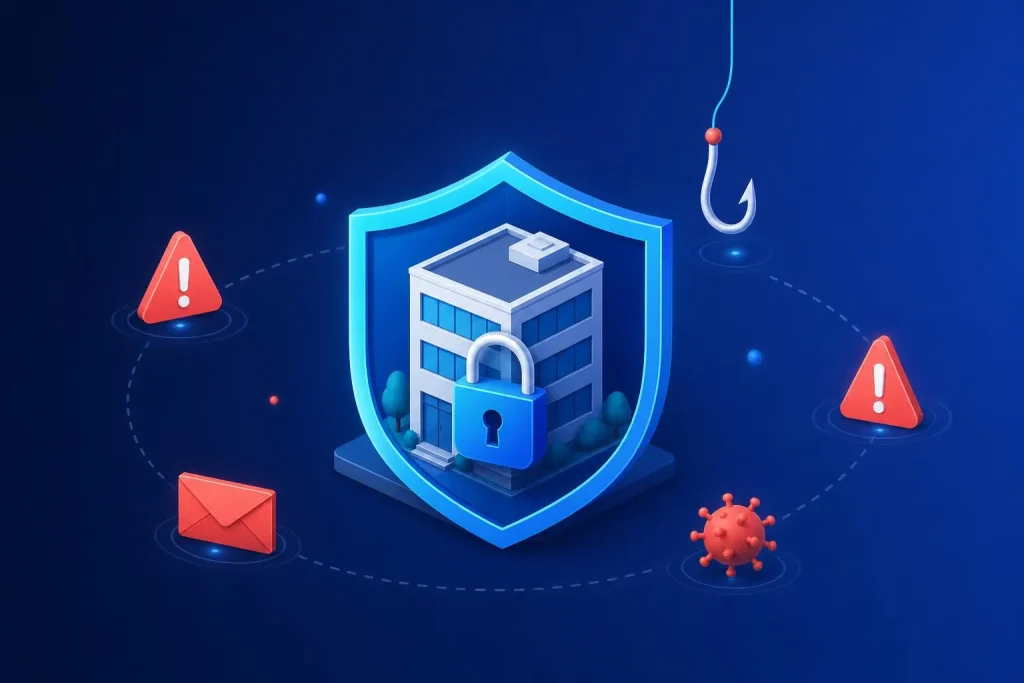
Why small firms get hit
It is easy to think attackers go after banks and big brands. Mostly they don’t. Most attacks are automated: a program tries thousands of logins, scans for out-of-date websites, or sends the same fake invoice to a huge list.
Small firms get caught because they have the same weaknesses as big ones and fewer people watching. The UK government publishes an annual Cyber Security Breaches Survey, and its recurring message is that attacks on small businesses are common and that basic precautions are not widely in place. We won’t quote figures from it here, but it is worth reading for yourself.
The good news is that basics work. You don’t need an expensive system. You need five habits.
Risk 1: Phishing
A fake email that looks real. It might be a “supplier” with new bank details, a “boss” asking for a quick payment, or a fake login page for your email.
It works because it targets people, not software. Busy staff click.
Fix: a pause rule
Any request to pay, change bank details or share a password gets a second check by phone, using a number you already hold. Free, and it stops most invoice fraud.
Fix: show examples
Spend fifteen minutes at a team meeting showing real-looking fake emails. Awareness is cheap and it works.
Fix: email settings
Ask your email provider or IT person to set up SPF, DKIM and DMARC for your domain. It makes it harder to forge email in your name.
Risk 2: Weak and reused passwords
If one site is breached and your password for it is also your email password, an attacker has both. People reuse passwords because remembering dozens is impossible.
- Use a password manager. It remembers everything, so people can use long, unique passwords. Most business plans cost a few pounds per user per month, and some free options exist.
- Turn on two-step login. Start with email, banking, your website admin and your hosting. A stolen password alone is then not enough.
- Stop shared logins. One login per person means you can see who did what, and remove one person when they leave.
- Remove leavers the same day. Keep a list of every system someone can access.
Risk 3: An out-of-date website and software
Every popular website platform, plugin and theme has security holes found from time to time. The fix is released, and the hole becomes public knowledge. If you haven’t updated, you are open to anyone with a scanning tool.
Cheap fix: turn on updates and set a monthly routine to check them. We cover the full routine in our website maintenance checklist.
Don’t forget the devices: laptops, phones and your router also need updates. Remove software and plugins you no longer use, because every extra piece is extra surface to attack.
Want someone watching the site for you?
Our cyber security plan covers monitoring, hardening and backups from £95 a month, with a one-off Starter check at £195.
See cyber security Book a free call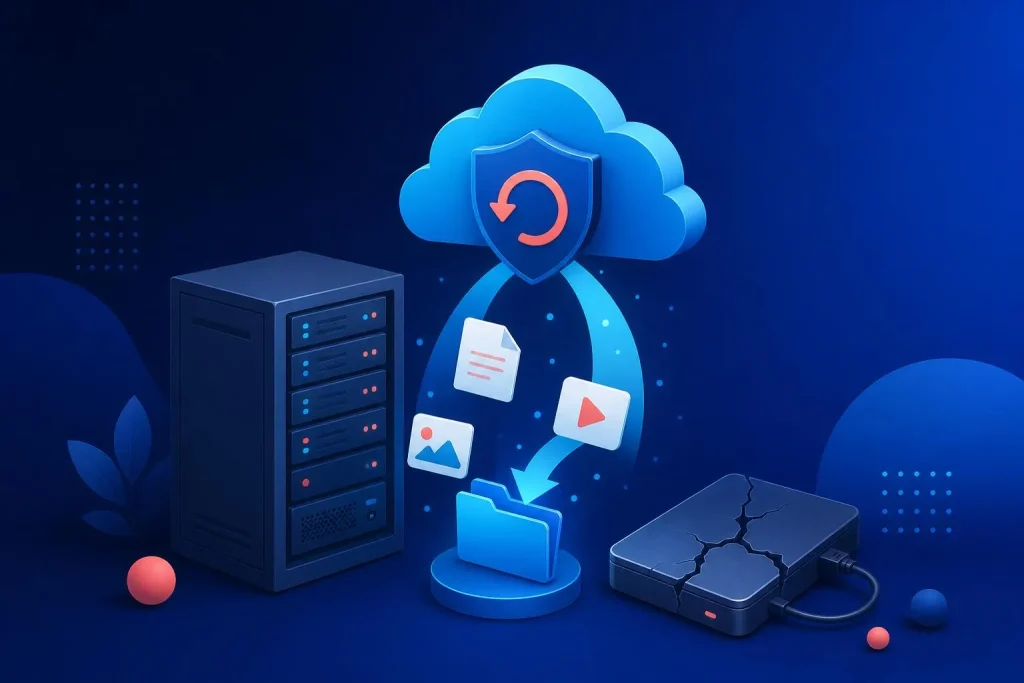
Risk 4: No backups, or backups nobody has tested
Ransomware, a bad update, a hacked site, a dropped laptop or a mistaken deletion: backups are the answer to all of them. They only count if they exist, are recent and can be restored.
| Common backup mistake | The cheap fix |
|---|---|
| Backups stored on the same server as the site | Keep a copy somewhere else, such as separate cloud storage. |
| Never tested a restore | Restore to a test copy once a quarter. If it fails, you want to find out now. |
| Only the website is backed up | List what matters: website, email, documents, accounting, customer data. Back up each. |
| Backups too infrequent | Match frequency to how much you can afford to lose. For a shop taking orders, that is far less than a week. |
Hosting plays a part here. Good hosting includes backups, but check what it covers and where it is stored. We look at this with our web hosting service.
Risk 5: Suppliers and third parties with access
Your web developer, bookkeeper, IT support, marketing agency and software vendors may all hold keys to your systems. If one of them is compromised, so are you.
- List who has access to what. Be honest, including old freelancers and former agencies.
- Give the least access needed. A marketing agency doesn’t need admin rights to your hosting.
- Own your own accounts. Your domain, hosting and analytics should be registered in your name, with you as the owner.
- Ask suppliers how they protect your data. A good supplier has a clear answer. A vague one is a warning sign.
What a typical incident looks like
Take a small firm where the owner’s email password is the same as one used on an old forum. The forum is breached, the password leaks, and someone logs in to the owner’s email. They watch for a few days, then email the bookkeeper from the owner’s own account asking for a payment to new bank details.
Nothing was “hacked” in the movie sense. One reused password and no second login step did it. Two-step login on that email account, and a rule to phone before changing bank details, would each have stopped it on their own.
That is the point of this list. Most incidents come from ordinary gaps, and ordinary fixes close them.
Where to start: a one-week plan
- Day 1. Turn on two-step login for email and banking.
- Day 2. Choose a password manager and move your most important accounts into it.
- Day 3. Check your website and plugins for updates and apply them, after taking a backup.
- Day 4. Find out where your backups live, and restore one to test it.
- Day 5. List every supplier with access and remove what isn’t needed.
That is five short sessions, and almost none of it costs money. It puts you ahead of most small firms.
When to ask for help
If you hold customer data, take payments, run an online shop or have bespoke systems, the stakes are higher and a periodic check from outside is sensible. A fresh pair of eyes finds the things you’ve stopped seeing.
For websites in particular, a website audit from £299 includes a look at how the site is set up and where the gaps are. We apply the same security-by-default approach to our own sites, such as Airsoft Direct, which takes orders and holds customer details every day.
If you only run a small brochure site and have two-step login, updates and a tested backup, you may already be fine. We’d rather say so than sell you something you don’t need.
Frequently asked questions
What is the most common cyber attack on small businesses?
Phishing is among the most common, followed by weak or stolen passwords. Both target people rather than software, which is why habits matter more than tools.
Is my small business really a target?
Yes, mostly through automated attacks that scan for easy openings. Attackers don’t pick you personally. They pick whoever has an open door.
How much should a small business spend on cyber security?
Start with the free basics: two-step login, updates, backups and a password manager. Paid monitoring, such as our plans from £95 a month, makes sense when the site or data is important to revenue.
What should I do if I’ve been hacked?
Change passwords from a clean device, turn on two-step login, restore from a known good backup, and tell anyone whose data may be affected. If personal data is involved, you may have reporting duties, so check ICO guidance.
Do I need cyber insurance?
It can help with costs after an incident, but it doesn’t replace prevention. Insurers often ask whether you have basics like two-step login and backups in place.
Close the easy doors first
Tell us what you run and we will point out where you are exposed, in plain English.
Book a free 30-minute call See our prices