Cyber Essentials explained for small businesses
A tender, a client questionnaire or an insurer has asked whether you hold Cyber Essentials. Here is what the scheme is, what it checks, who really needs it and how to get ready without wasting money.
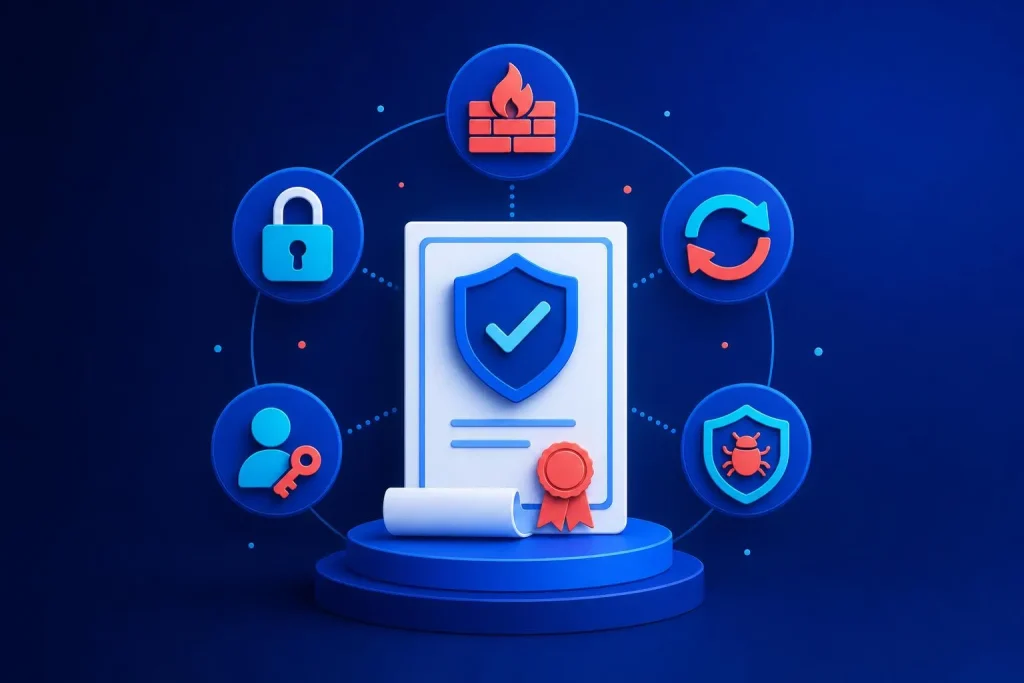
What the scheme is
Cyber Essentials was created by the UK’s National Cyber Security Centre (NCSC) to give businesses a clear, achievable baseline. It is run through accredited certification bodies, and you apply to one of them for the certificate.
It is not a guarantee that you will never be breached. It is evidence that you have covered the common, preventable gaps that most opportunistic attacks rely on. That is why buyers like it: it is a simple signal that you take the basics seriously.
Two levels
| Cyber Essentials | Cyber Essentials Plus | |
|---|---|---|
| How it is checked | Self-assessment questionnaire, reviewed by the certification body | Hands-on technical testing of your systems |
| Best for | Most small businesses and first-time applicants | Where a client or contract asks for independent verification |
| Effort | Mainly gathering information and fixing gaps | Same fixes, plus a technical audit |
Most small firms start with the basic level. Move to Plus only if someone requires it.
The five control areas
Firewalls
A boundary between your devices and the internet, correctly configured.
Secure configuration
Devices and software set up safely, with unneeded features and default passwords removed.
User access control
People get only the access they need, and admin rights are kept for admin tasks.
Malware protection
Protection on devices against viruses and malicious software.
The fifth area is security update management: operating systems, apps and firmware are supported and kept up to date, with important patches applied promptly.
Notice how ordinary this all is. There is no exotic technology. It is the housekeeping that often slips in a busy small business.
What these look like in a real office
- The router or firewall has its default password changed and no unneeded ports open to the internet.
- Nobody uses a shared “admin” login, and leavers lose access on their last day.
- Laptops and phones have a screen lock and updates switched on, and old unsupported software has been retired.
- Anti-malware is installed and running on every computer that touches business data.
- Web applications and websites are patched, including plugins on content management systems.
Not sure where your gaps are?
Our one-off Starter check is £195, and ongoing cyber security with monitoring, hardening and backups starts from £95 a month.
See cyber security Book a free call
Who needs it
The clearest reason is a contract. Some UK government contracts, particularly those involving personal information or certain technical products and services, ask suppliers to hold Cyber Essentials. Larger companies increasingly put the same requirement into their supplier terms.
It can also come up with insurers, in tender questionnaires and in client due-diligence forms. Check the exact wording in each case, because some ask for the certificate and others only ask whether you follow the practices.
If none of that applies to you, it is not compulsory. Still, if you hold customer data or take payments through your own website, the five areas are worth doing whether or not you certify.
How to prepare
- Decide the scope. Work out which devices, networks and cloud services are in. Smaller scope is easier, but it must be honest.
- Make the inventory. List computers, phones, routers, servers, cloud accounts and the software on them.
- Close the gaps. Update, remove unsupported software, tidy accounts, turn on malware protection, check the firewall.
- Turn on two-step sign-in. Required for cloud services where it is available, and good practice everywhere.
- Complete the questionnaire. Answer truthfully. The certification body reviews it and may ask you to fix things first.
- Diarise the renewal. The certificate runs for a fixed period, so book your next review before it lapses.
We have not quoted certification fees here because they vary by provider and company size. Ask two or three accredited bodies for current prices and what is included.
Common reasons businesses fail first time
- Unsupported operating systems or old laptops still in daily use.
- Default passwords on routers and admin pages.
- Staff using personal devices that nobody has listed or secured.
- Cloud accounts without two-step sign-in.
- A website or plugins left months behind on updates.
That last one is where we can help most directly. Our web hosting and cyber security work covers patching, hardening and backups for the websites we look after. Certification itself is awarded by an accredited body, not by us, so we focus on getting you ready.
Is it worth the effort?
If it wins you a contract or keeps you on a supplier list, almost certainly. If it simply forces you to fix the five basics, still probably yes, because the same gaps are what attackers look for first. If you are a sole trader with no one asking, doing the controls without paying for the certificate may be enough for now.
You can read more about what we cover on our cyber security page, or see how we approach new builds from the start on our web design and development page.
Keeping it going after you are certified
Certification is a snapshot. The controls only keep their value if they carry on working: new starters get proper accounts, leavers lose access, new devices get set up the same way and updates keep arriving.
The simplest habit is a short monthly check. Look at the list of devices and accounts, confirm updates have been applied, and check backups can be restored. Put it in the calendar and give it to a named person. Firms that treat it as a yearly scramble tend to find the same gaps every year.
Frequently asked questions
Is Cyber Essentials a legal requirement?
No. It is a voluntary scheme. It becomes necessary when a contract, tender or client makes it a condition of working with them.
Does Cyber Essentials make me GDPR compliant?
No. It is a security baseline, and good security supports data protection duties, but data protection law covers more, such as lawful use of data and how you handle requests from individuals.
How long does it take to get certified?
If your basics are already in place, it can be quick. If you need to replace old devices or fix accounts, the preparation is the slow part, not the assessment. Plan for fixes first.
Do I need Cyber Essentials Plus?
Only if a client or contract asks for it. Plus adds hands-on technical testing, so it carries more weight but needs more effort. Most small firms begin with the basic level.
Can you certify me?
No, certification comes from an accredited certification body. We help you prepare by reviewing your setup, fixing gaps and keeping your website and hosting secure.
Get the basics sorted before the questionnaire
Talk to us about where your setup stands and what needs fixing first.
Book a free 30-minute call See our prices