What is intelligent automation? And is it just hype?
Vendors use the phrase for everything from a simple email rule to a talking robot. This post separates the useful part from the noise, so you can tell what is worth paying for.
Two layers, not one thing
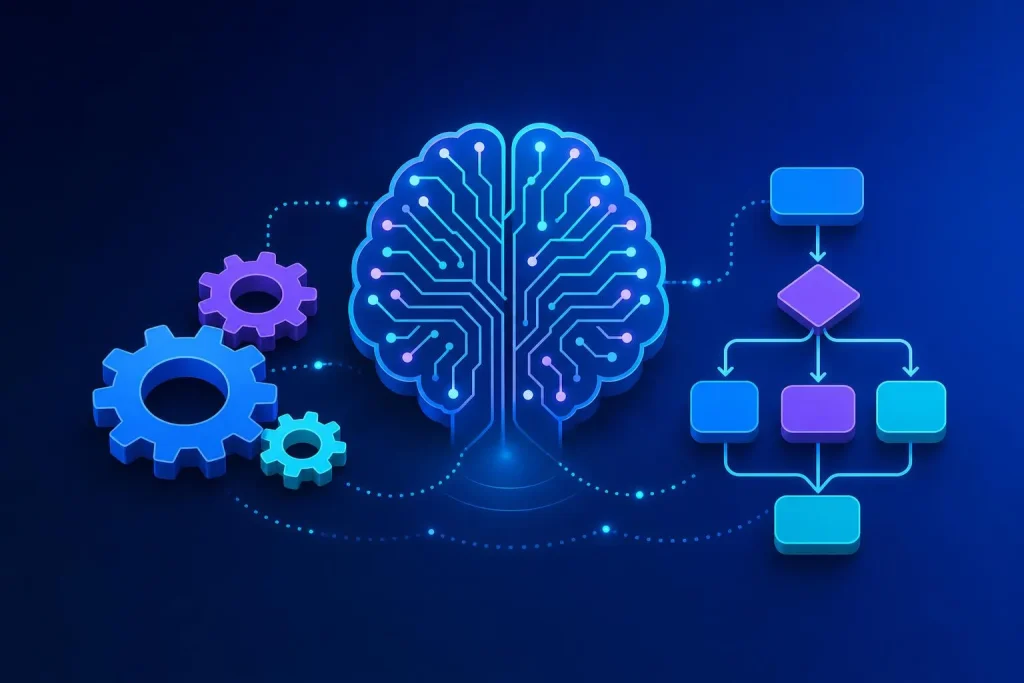
Most confusion goes away once you split the idea in two. The first layer is rules: when an order arrives, create a pick list. When a form is submitted, add a row to a sheet. Rules are predictable and cheap, and they have been around for decades.
The second layer is judgement. Is this email a complaint or a sales enquiry? Which line on this invoice is the VAT? Does this photo show the right product? Rules cannot do that, because the input is messy. A language model or image model can make a good guess.
Intelligent automation is the two joined together: the AI makes the call, and the rules carry it out. That is all the phrase needs to mean.
| Rules automation | AI-assisted automation | |
|---|---|---|
| Input | Neat, predictable fields | Emails, PDFs, free text, images |
| Result | Same every time | Usually right, sometimes wrong |
| Cost to run | Very low | Low, but not zero per item |
| Needs checking | Rarely, once tested | Yes, at least at first |
| Best for | Moving data between systems | Reading and sorting what arrives |
A plain example
Say a customer emails: “My order from last week still hasn’t turned up and I’m going away Friday.” A rules-only system sees an email and files it.
An intelligent flow reads it, spots that it is a delivery chase with a deadline, looks up the order number from the customer’s address, finds the courier status and drafts a reply with the tracking link. It flags it as urgent because of the Friday date. A person reads the draft, adjusts one line and sends.
Notice how much of that is not AI. The lookup, the tracking link and the sending are all plain code. The model handled only the reading and the drafting. We think that is the right balance: use AI for the fuzzy step, and use code for everything that must be exact.
Triage
Sorting incoming messages and forms into the right queue.
Extraction
Pulling fields out of invoices, orders and application forms.
Drafting
First versions of replies, descriptions and summaries.
Flagging
Spotting odd items, such as an invoice total that does not match.
Where it genuinely helps
Look for work that is high volume, repetitive and boring, where the input varies but the destination is clear. Reading supplier invoices, sorting enquiries and writing first-draft product copy all fit.
You can see a large-scale version on Airsoft Direct, our own shop. Stock and prices sync live from 5 supplier sites across 20,000+ live products. That sync is plain rules and code, not AI, and that is deliberate: anything that must be exact should come straight from the feeds.
Another is ASD OrderHub, where orders from four sales channels flow into one place. Most of it is carefully built plumbing, which is the part that has to be exact.
Want to know what is worth automating in your business?
The Half-Day AI Audit looks at how you work and gives you the top 3 to 5 opportunities, from £595.
See AI consultancy Book a free call
Where it fails
This is the part sales pages skip. AI-assisted automation goes wrong in four predictable ways.
- Confident mistakes. A model can state a wrong answer in a calm, plausible tone. It does not always know when it is guessing.
- Unusual input. A scan at an angle, a supplier who changes their invoice layout, or an email in three languages can all trip it up.
- Missing context. If the answer depends on something nobody wrote down, such as “we never refund after 30 days except for Mrs Jones”, the AI cannot know it.
- Silent drift. A flow that worked in March can behave differently after a provider updates a model. Without spot checks, nobody notices.
Keeping a human in the loop
The fix for all four failures is the same: put a person at the right point, and make it quick for them.
In practice, that means the AI proposes and the person approves, with anything uncertain highlighted. You track how often people change the draft. When that falls to a level you are comfortable with, you can let low-risk items through automatically, while money, legal and complaint cases stay with a person.
It also means keeping a log, so you can see what the system did and why. If you cannot audit it, do not rely on it.
Is it worth it for a small business?
Often yes, but only for the right job. If you handle a few dozen emails a week, you probably do not need any of this. If someone spends a day a week retyping invoices or sorting an overflowing inbox, you almost certainly do.
The test is simple: count the hours, price them, and compare against the cost of building and running the automation. We run that sum with every audit, and our No-Fluff Guarantee means that if we cannot find savings worth at least the audit cost, you do not pay. If a process is simple and stable, a bespoke tool or a plain rule may be all you need.
What to put to a supplier selling “intelligent automation”
- Which steps are AI and which are plain rules? A good answer is specific.
- What happens when the AI is unsure? There should be a clear route to a person.
- Can I see a log of every decision it made?
- Where does my data go, and who can see it?
- Who owns the finished system if we part ways?
Vague answers to these tend to mean vague systems. We build things you own outright, with no per-seat fees, so you are never locked in to keep the automation running.
A good supplier will also tell you when a simple rule would do the job. Some of the best automations we have seen contain no AI at all, and nobody should pay AI prices for a job that a tidy rule handles.
Frequently asked questions
Is intelligent automation the same as RPA?
They overlap. RPA (robotic process automation) usually means software that mimics clicks on a screen, following fixed steps. Intelligent automation adds AI so the software can handle input that is not neatly structured.
Is it the same as using ChatGPT?
No. A chat tool needs you to paste things in and copy results out. Automation connects the model to your systems so the reading, drafting and filing happen without that manual shuffle.
Do I need a lot of data to start?
Not usually. Modern models work from instructions and a few examples, so you can start with a small set of real emails or invoices. You do need a clear idea of what a correct result looks like.
How long does a first project take?
A narrow automation can be tested within weeks. Our 7-Day Discovery Sprint is £3,950 and is built for mapping a bigger opportunity quickly. The right size depends on how many systems are involved.
What if the AI gets it wrong?
That is why the design starts with a human check and a log. Mistakes are caught before they reach a customer or your accounts, and the patterns tell us how to improve the instructions.
Cut through the buzzwords
Bring us one slow, repetitive job and we will tell you plainly whether AI, plain rules or neither is the right answer.
Book a free 30-minute call See our prices