CRM software customisation: how far should you bend an off-the-shelf CRM?
The CRM almost fits, and every month someone suggests another workaround. This guide shows what is safe to customise, where the costs creep in, and the point where building your own becomes the cheaper route.
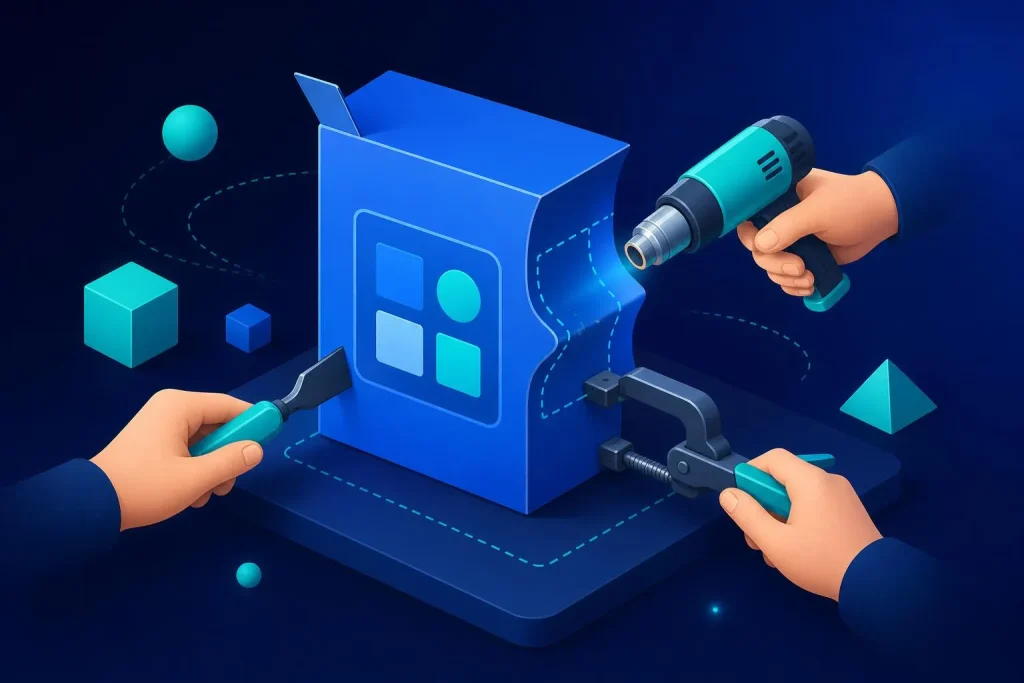
The three layers of CRM software customisation
Not all customisation is equal. Some changes take ten minutes and cost nothing. Others lock you into a vendor or break at every update. Knowing which layer you are in tells you how risky the next change is.
Layer 1: Configure
Fields, pipeline stages, tags, saved views, templates, user roles. Safe, cheap and reversible.
Layer 2: Connect
Workflows, automations and integrations with email, accounting, forms and your website. Valuable, but each link needs upkeep.
Layer 3: Extend
Custom objects, scripts, API work, paid add-on stacks. Powerful, but this is where costs and fragility grow.
Layer 1: Fields, stages and views
This is where almost every business should start, and often where it should stop. Rename the pipeline stages to match how you really sell. Add the five fields you genuinely use and delete the rest. Build views for each role so people see only what they need.
- Fewer fields get filled in more reliably. If nobody reads a field, remove it.
- Make the fields people need to act on mandatory at the right stage, not at creation.
- Use consistent picklists instead of free text, so reports mean something.
If you are choosing a first system, our guide to CRM for small business covers what to look for before you customise anything.
Layer 2: Workflows and integrations
This is where a CRM starts saving real time: a new web enquiry creates a contact and a task, a won deal triggers an invoice in your accounts package, a missed follow-up sends a reminder.
It is also where hidden costs creep in. Every integration is something that can break when either side updates. Every automation is logic that only one person understands.
Before adding a new integration, ask three questions.
- What does it replace? Name the manual job and roughly how long it takes each week.
- What breaks if it fails? If the answer is “invoices stop”, you need monitoring and a fallback.
- Who owns it? One named person who understands it and can fix it.
Layer 3: Code, custom objects and add-on stacks
Many CRMs let you go much further with custom objects, scripting, APIs and marketplace add-ons. It can work well when the need is clear and stable. It gets expensive when you keep stacking tools to imitate a process the CRM was never designed for.
Watch for these costs:
- Per-seat pricing that grows with every new user and every advanced feature tier.
- Add-on subscriptions that each charge their own monthly fee.
- Contractor time from the one person who knows how it was wired together.
- Platform limits that force awkward workarounds, such as record limits or API call caps.
- Migration pain if you ever leave, because your data model is tied to one vendor’s structure.
Hitting the limits of your CRM?
We build custom CRMs as a fixed-price project from £3.5k to £9.5k, and you own the result, with no per-seat fees.
See custom CRM Book a free call
When customising costs more than building
There is no single number, but there is a pattern. Customisation is cheap at first and gets expensive slowly. A custom build costs more up front and then flattens out. The crossover is where you should change course.
Add up what you spend on the CRM in a year, honestly:
- Subscription fees for every user, plus add-ons and connectors.
- Time spent on workarounds, double entry and fixing broken automations.
- Contractor or consultant fees for changes.
- The cost of mistakes: missed follow-ups, wrong data, orders lost between systems.
Compare that, over three years, with a fixed build price and no per-seat fees. For some teams the CRM wins easily. For others, a bespoke system pays for itself. Our custom CRM versus off-the-shelf comparison sets the two side by side, and our guide to custom CRM development explains what a build involves.
Seven warning signs it is time to stop bending
| Warning sign | What it usually means |
|---|---|
| Staff keep a spreadsheet “alongside” the CRM | The CRM does not hold the data they actually need |
| Double entry between your CRM and another system | Integration gaps that cost time and cause errors |
| Only one person understands the automations | Fragile setup and a single point of failure |
| Your process changed to suit the software | The tool is now steering the business |
| Costs rise every time you hire | Per-seat pricing is working against you |
| You are paying for several add-ons to fill gaps | The core product is the wrong fit |
| Reports need manual fixing before you trust them | Data structure does not match how you work |
One or two of these is normal. Four or more, and you are paying a hidden tax every month.
What a custom build can look like
A custom system is not a bigger CRM. It is software shaped around your actual process, with only the parts you use. We built ASD OrderHub for a group of four limited companies: orders from web, eBay, Etsy and Amazon, purchasing, stock takes, staff, tasks and accounting sync, all in one dashboard with zero double entry. It replaced several tools and a lot of re-typing. See the OrderHub case study.
For a different kind of business, the Bluestone agricultural app replaced spreadsheets, phone calls and WhatsApp groups with ordering, chat and field records in one closed-access app. Read the Bluestone case study. Both are examples of the same idea: start with how the work really happens.
A sensible way to decide
- List your real process in plain steps. From enquiry to paid, who does what.
- Mark where the CRM already fits, and where you work around it. The workarounds are your cost centre.
- Price the workarounds. Hours per week, add-on fees, contractor time, errors.
- Get one fixed quote for a custom alternative. Compare over three years, not one.
- Decide with the numbers. Customise lightly if the gap is small. Build if it is large and growing.
We can help with step four, and if the numbers say stay put, we will tell you. For wider background, read what bespoke software is.
Frequently asked questions
How much customisation is too much for an off-the-shelf CRM?
When the workarounds cost more, in fees, time and risk, than the problem they solve. If you rely on add-ons, scripts and spreadsheets to make the CRM behave, the tool no longer fits and a custom build deserves a quote.
Can I customise a CRM myself without a developer?
Layer one and most of layer two usually, yes: fields, stages, views and simple automations. Custom objects, API work and complex integrations generally need technical help.
Will customisations break when the CRM updates?
Configuration rarely does. Integrations and scripts are more exposed, because they depend on how the vendor’s system behaves. That is why documenting each one matters.
Is a custom CRM more expensive than a subscription CRM?
Up front, yes. Over several years it can be cheaper, because you avoid per-seat fees and add-ons. Our fixed builds range from £3.5k to £9.5k, and you own the result.
Can I move my data from my current CRM to a custom one?
Usually yes. Most CRMs export contacts, deals and notes. The migration plan should be part of any quote, along with how history and attachments are handled.
Find out if your CRM still fits
Tell us how your team works and what you pay today. We will say whether to customise, switch or build, with a fixed price if building makes sense.
Book a free 30-minute call See our prices