What custom CRM development actually looks like, stage by stage
For owners who like the idea of a CRM built around their business but have no idea what happens between “yes” and “go live”. Here is the process, the timings and what it costs.
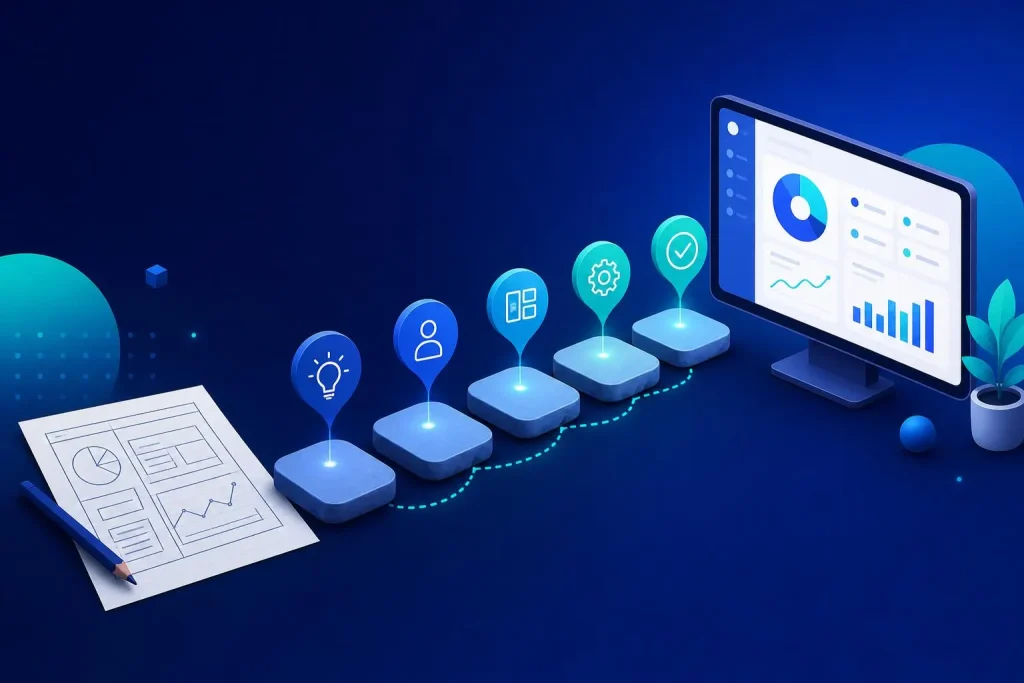
Most people who ask about a custom CRM are really asking a different question: “Will this turn into a year-long project that eats my staff’s time and never quite works?” Fair worry. Plenty of software projects do exactly that.
It does not have to, but only if the process is built to catch mistakes early. Below is how ours runs, what you have to do at each stage, and where the risks sit. If you are still deciding whether you need one at all, start with our guide to CRM for small business.
The six stages of a custom CRM build
- Discovery. We learn how your business actually runs: who handles an enquiry, where it gets written down, what falls through the cracks, what reports you wish you had.
- Data model. We agree what the system tracks and how it links together: customers, jobs, quotes, orders, notes, files, and who can see what.
- Prototype. A clickable, working version with real screens so you can try it and tell us what is wrong before the full build.
- Build. The real system is built on the signed-off prototype, including logins, permissions, automations and integrations such as accounting.
- Migration. Your existing data, usually spreadsheets, an old CRM or email history, is cleaned and moved across.
- Training and handover. Your team learns it on their real data, and you receive the system you own.
Stage 1 and 2: discovery and the data model
Discovery is mostly conversation, and it is where projects are won or lost. We want to hear the messy version: the WhatsApp groups, the sticky notes, the spreadsheet only one person understands.
That is exactly what happened with the Bluestone Agricultural App. The agronomy practice was running on spreadsheets, phone calls and WhatsApp groups. Discovery turned that into a plan for ordering, in-app chat, field records and Xero and supplier automation.
The data model comes straight out of it. Think of it as the skeleton: what things exist in your business and how they relate. Get it right and the system bends easily as you grow. Get it wrong and every new feature is a fight.
Stage 3: the prototype, where the risk drops
A prototype is the best risk-control tool in software. Instead of describing screens and hoping, you click through them. People who say “that is what I asked for” often discover it is not what they need.
It can be quick. On the Bluestone project we went from discovery to a signed-off prototype in five working days. We are not promising that for every project, as it depends on size, but it shows the prototype stage need not be slow.
Want to see what yours would look like?
Our discovery call is free and thirty minutes long. Bring a spreadsheet and a list of what annoys you.
See custom CRM Book a free callStage 4: the build
With a signed-off prototype the build is the least dramatic stage, which is the point. We build the real logins, the permissions, the automations and any connections to other software.
Integrations are usually where hidden time hides. Linking to Xero, a payment provider or a supplier feed means working to someone else’s rules. On ASD OrderHub, orders from web, eBay, Etsy and Amazon, purchasing, stock takes and Xero sync all live in one system, so four companies work from one dashboard with zero double entry. That level of joining-up is what a custom build is for.
Stage 5: migration, the stage people forget
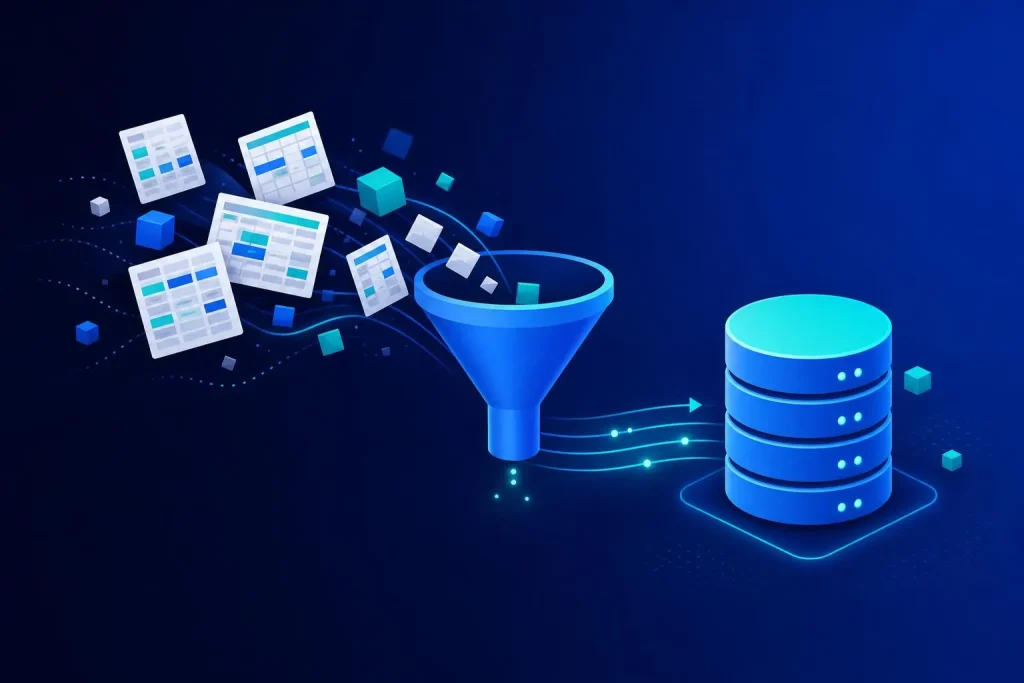
Moving your data is often harder than building the system. Old spreadsheets have duplicates, missing fields and three spellings of the same customer.
We clean as we move, and we agree up front what gets imported and what stays archived. Not everything needs to come across. Ten years of dead leads can usually stay in a spreadsheet.
- Decide the cut-off. Which records move, which stay behind.
- Fix duplicates first. It is cheaper than cleaning them inside the new system.
- Run a test import. You check a sample of real records before the full move.
- Keep the old data safe. Never delete the source until you are happy.
Stage 6: training and handover
A CRM nobody uses is just an expensive spreadsheet. Training is done on your real data, with the people who will use it every day, not a generic demo.
Handover also means ownership. The system is yours: no per-seat fees, no renewal that doubles, and no one holding your customer data to ransom. That is the main reason many owners choose custom over renting, and our page on custom CRM vs off-the-shelf goes through the longer-term cost reasoning.
Timelines and cost
Our bespoke software and CRM builds are a fixed price between £3.5k and £9.5k. Where you land in that range depends on how many user roles, screens, integrations and automations you need, and the price is agreed before we start. We give you a timeline in the quote rather than a vague “a few months”.
Fixed pricing protects you in practice. If we underestimate, that is our problem, not an invoice for extra hours. The flip side is that the scope has to be agreed properly at the start, which is exactly what discovery and the prototype are for. Anything extra is agreed with you before work starts.
| Stage | What you do | What you get |
|---|---|---|
| Discovery | Explain how work really flows | A written scope |
| Data model | Confirm what you track | An agreed structure |
| Prototype | Click through and give feedback | A sign-off point |
| Build | Answer questions, test releases | The working system |
| Migration | Check sample records | Clean data in the system |
| Training | Attend with your team | A team that uses it |
When a custom CRM is the wrong answer
If you have three staff, simple needs and a standard sales process, an off-the-shelf CRM is probably fine and cheaper to start. Do not build what you can rent without pain.
Custom starts to make sense when your process is unusual, when you are paying for many seats, when you need the CRM to talk to your own systems, or when you are bending a standard tool until it breaks. We cover the trade-offs honestly in our post on what bespoke software is and show real systems in bespoke software examples.
Frequently asked questions
How long does a custom CRM take to build?
It depends on scope, which is why we give a timeline in a fixed quote. The prototype can come quickly: the Bluestone prototype was signed off five working days after discovery. The full build follows from there.
How much does custom CRM development cost?
Our bespoke software and CRM builds are fixed-price, from £3.5k to £9.5k, agreed before we start. The range reflects things like user roles, integrations and automations.
Do I own the CRM once it is built?
Yes. You own it and there are no per-seat licence fees. That is a core part of how we work.
Can it connect to Xero or my website?
Usually yes. We have built Xero and supplier automation into the Bluestone app, and Xero sync into OrderHub. Each integration is scoped at the start so it is in the fixed price.
What happens if I want changes later?
You own the system, so it can grow. Anything beyond the agreed scope is discussed and agreed with you before work starts, so there are no surprises on the invoice.
Start with a prototype, not a leap of faith
Tell us how your work flows today and we will show you what a CRM built around it could look like, and what it would cost.
Book a free 30-minute call See our prices